 Snapreel
Keyboard first
⌥⇧R start or stop, ⌥⇧P pause, ⌥⇧D draw, ⌥⇧S screenshot.
Snapreel records your tab, an area or your whole screen in up to 4K, lets you draw on it while you talk, and keeps every recording on your own computer.
Free · No account · Works in Chrome 116 and later
Features
Show a bug, explain a design, answer a question with a video instead of a meeting.
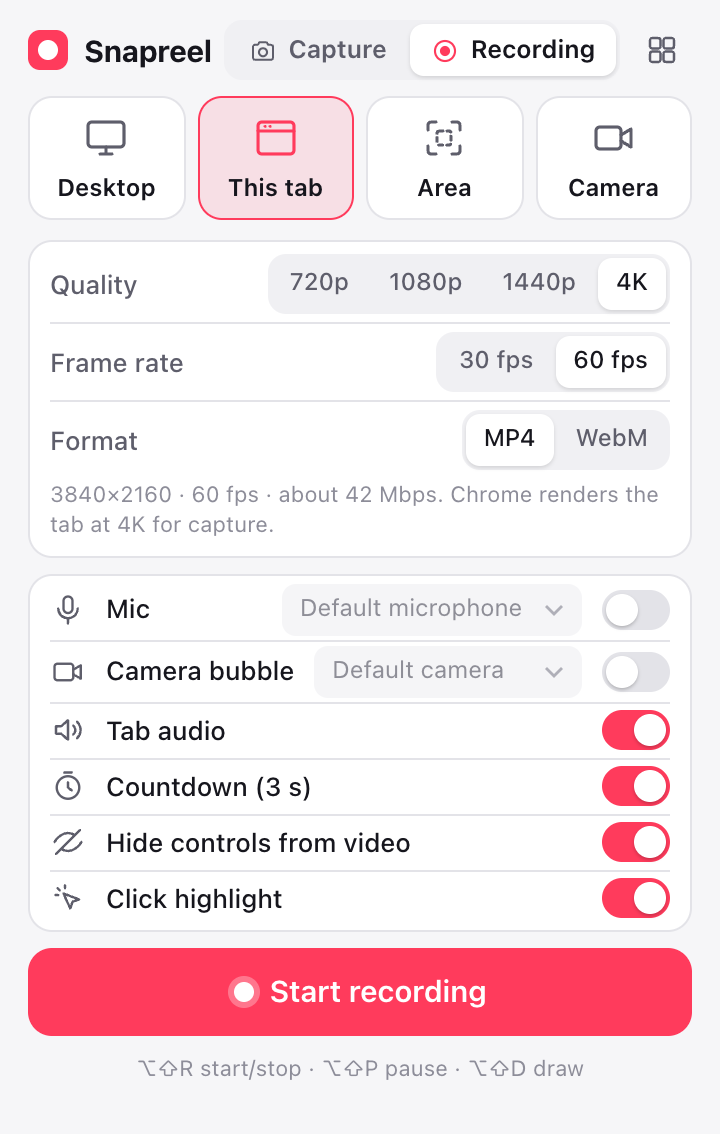
Pick what to capture, press Start, and talk. The controls sit in Chrome's side panel, so they never end up in the video.
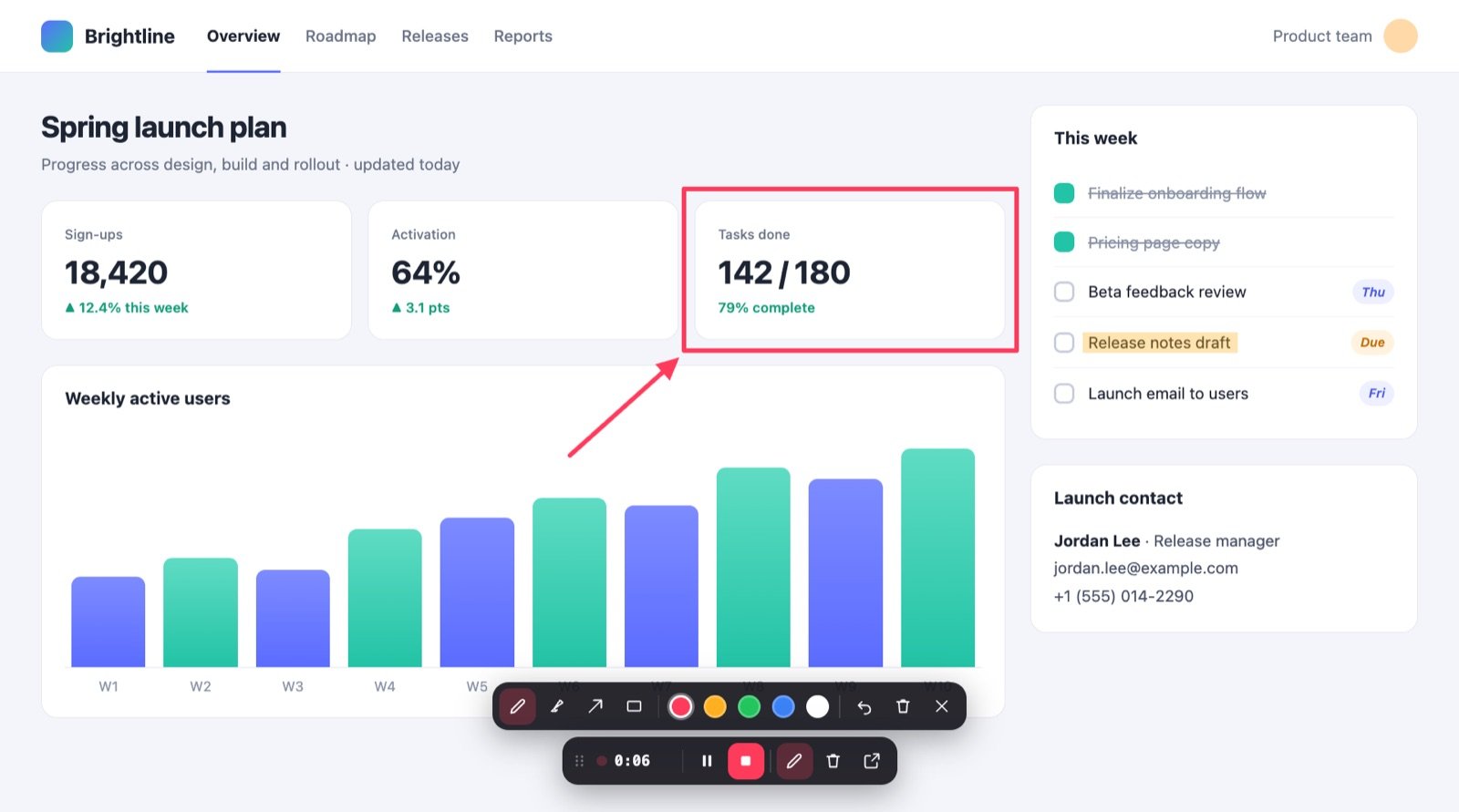
Circle the number that matters, point at the button to press, highlight the line to read. What you draw is part of the recording.
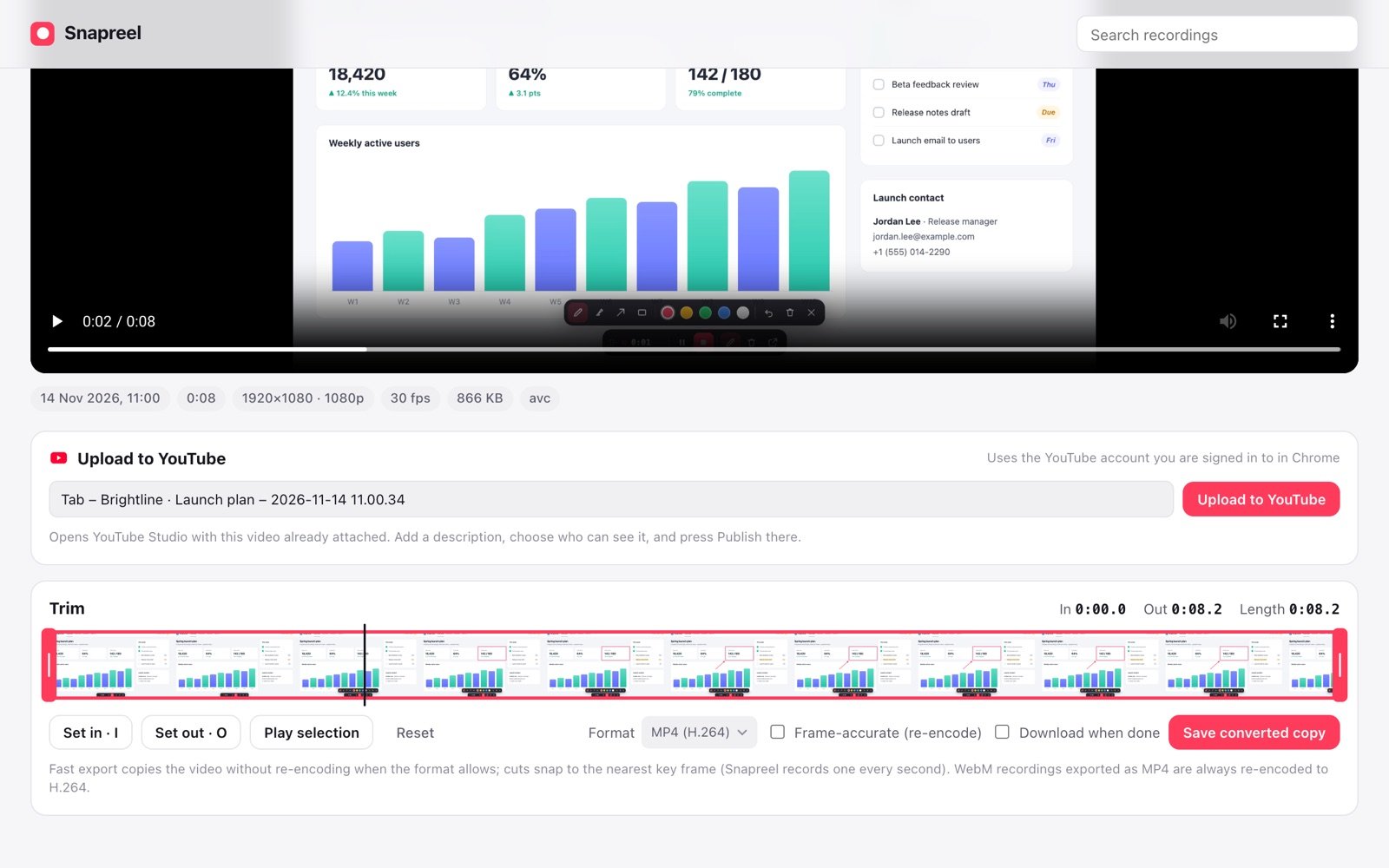
When you stop, the library opens on your new recording. Cut the start and end on a filmstrip, then send it to YouTube Studio already attached to the upload form.
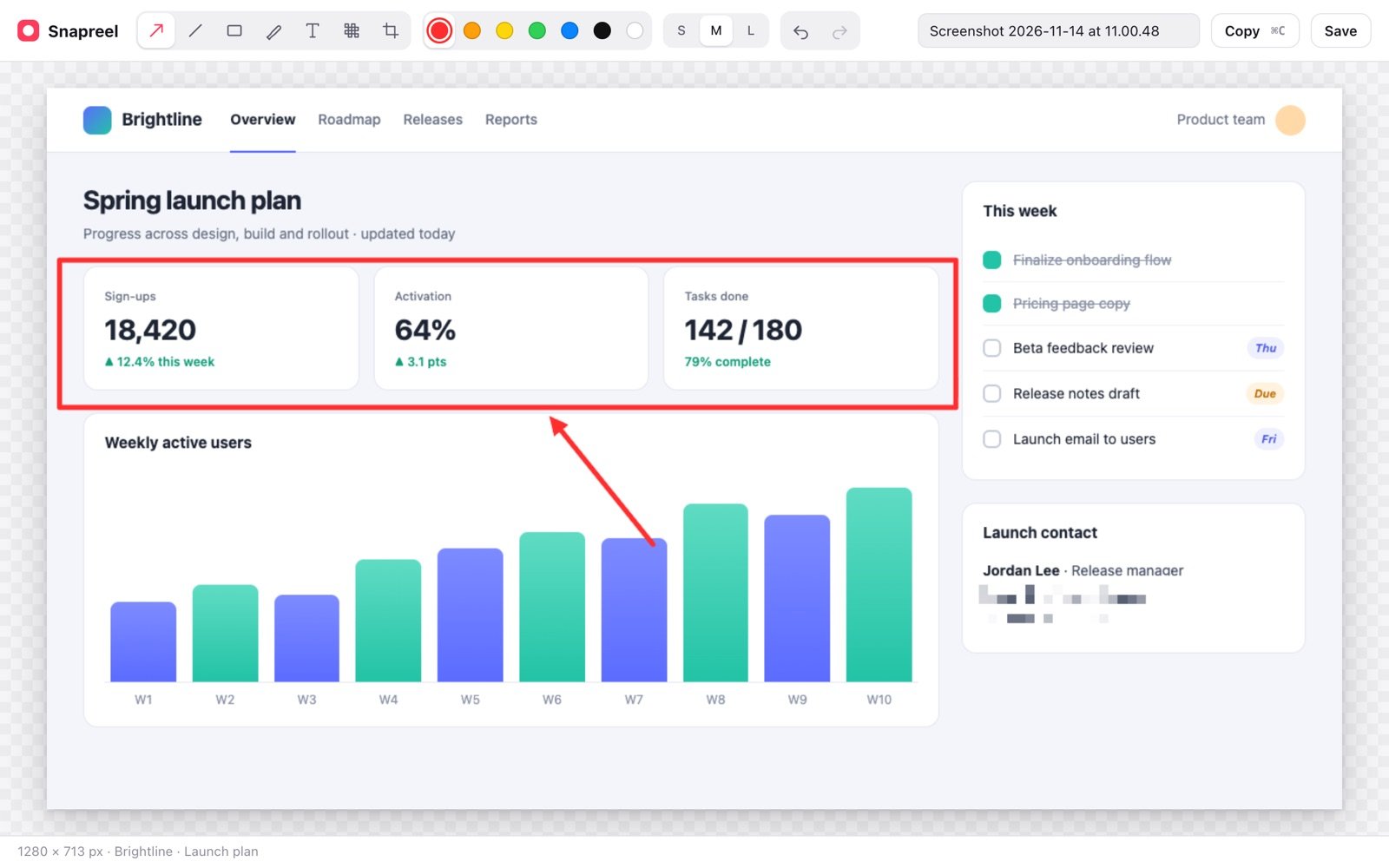
Capture what you see, an area, or the whole page from top to bottom. The editor opens straight away with red arrows ready.
Details
⌥⇧R start or stop, ⌥⇧P pause, ⌥⇧D draw, ⌥⇧S screenshot.
Pause, stop and draw from Chrome's side panel, which is never part of the video.
Very long recordings are saved in parts as you go, so nothing is lost if Chrome closes.
If a recording stops unexpectedly, the library offers what was already saved.
Snapreel scrolls the page for you and stitches it into one tall image.
Chrome renders the tab at a higher scale for capture, so text stays sharp.
Privacy
Snapreel has no servers and no accounts. Recordings and screenshots are stored in your browser on this device until you download, copy, share or upload them yourself.
There is no analytics and no tracking code, and Snapreel never loads code from the internet. Read the privacy policy.
Get started
Snapreel is coming to the Chrome Web Store. Once it's listed, the button below takes you straight there.
Install Snapreel from the Chrome Web Store and pin it from the puzzle-piece menu.
This tab, an area, your screen or your camera, and the quality you want.
Draw as you go. When you stop, the library opens ready to trim and share.
FAQ
Yes. There's no account, no subscription and no watermark.
In your browser's storage on this computer. Use Download in the library to save a file to your Downloads folder.
Yes, choose Desktop mode and pick a screen or window in Chrome's picker. Audio from other apps depends on your operating system; on macOS it's usually not available.
Not with "Hide controls from video" on, which is the default. The controls appear in Chrome's side panel instead.
Snapreel opens YouTube Studio in your browser and attaches the video to its upload form, using the YouTube account you're signed in to. You add the details and press Publish there.
Tab recording works almost everywhere. Chrome doesn't allow extensions to draw on its own pages (like chrome:// pages or the Web Store), so the in-page tools aren't available there.
Record it once, send the link, skip the meeting.
Get Snapreel